

06-15 NOV 2026

CONOPS
Concept of Operations
Situation:
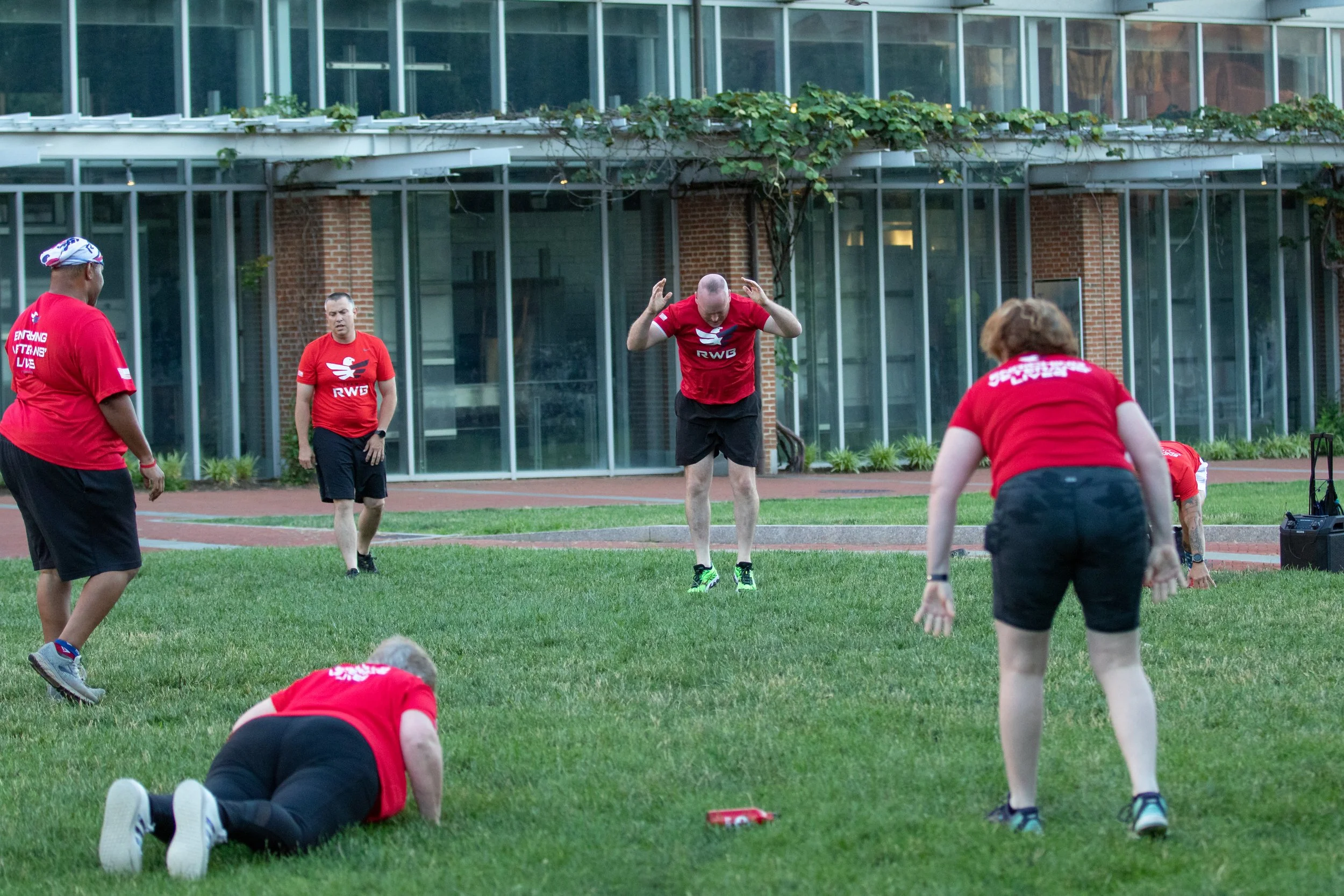
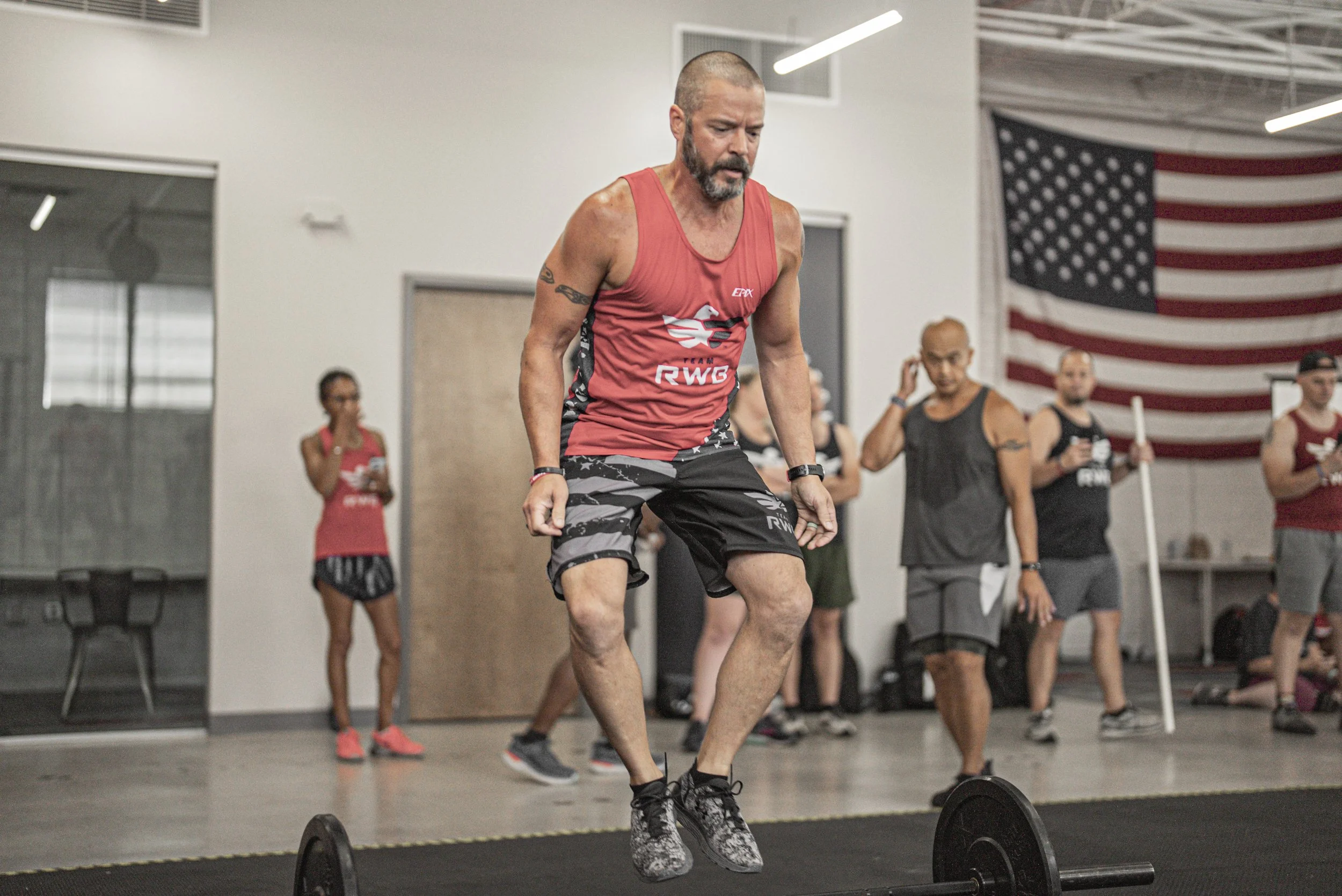
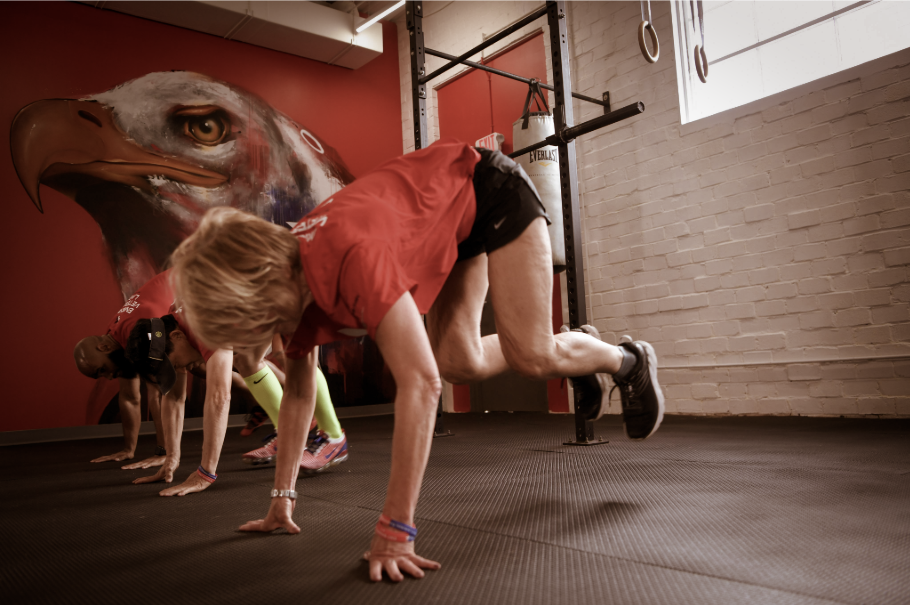
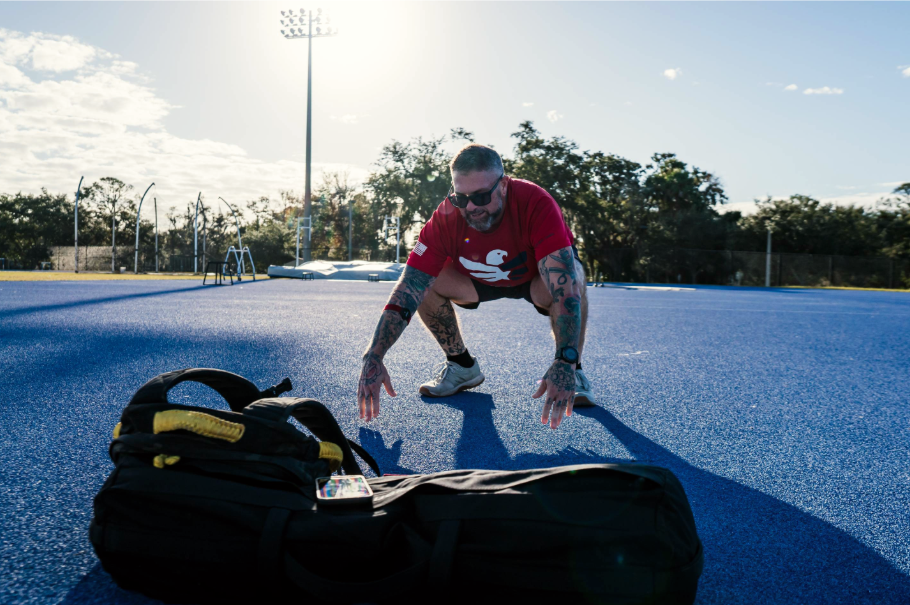
WOD for Warriors, is a WOD (workout of the day) designed to honor our nation’s Veterans.
This year, Team RWB is teaming up with Burpees for Vets for an inspiring fitness challenge with a purpose.
Mission:
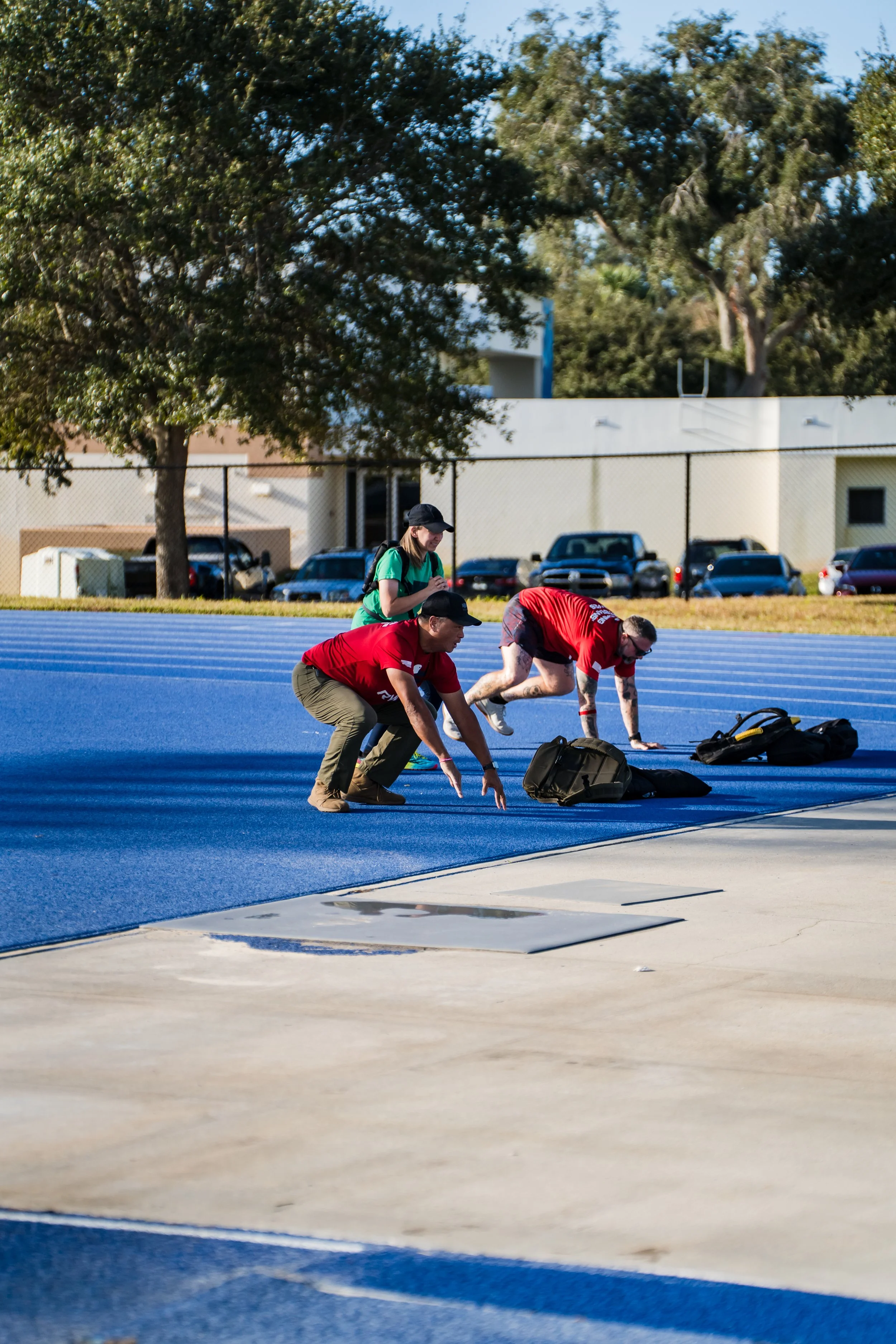
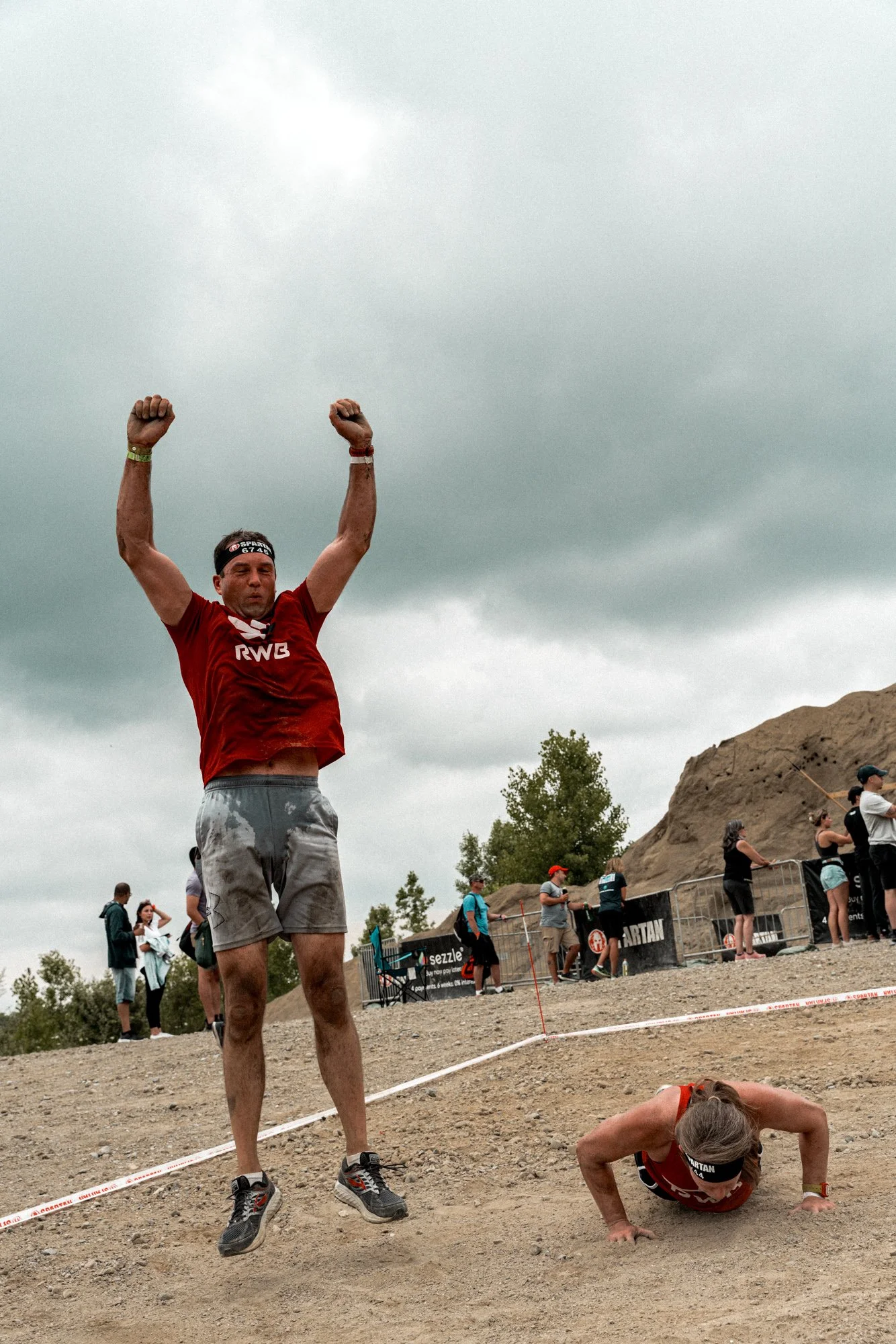
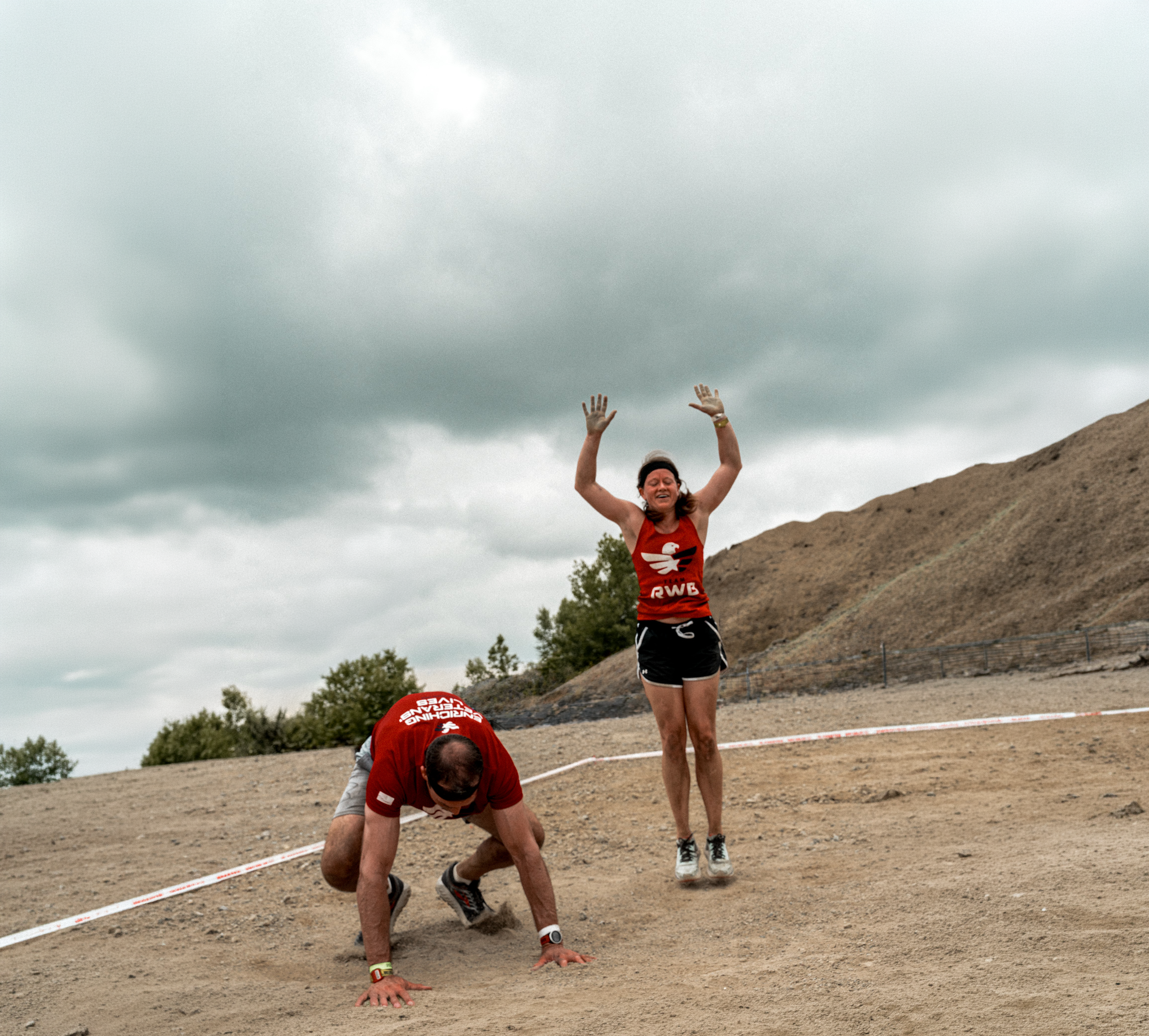
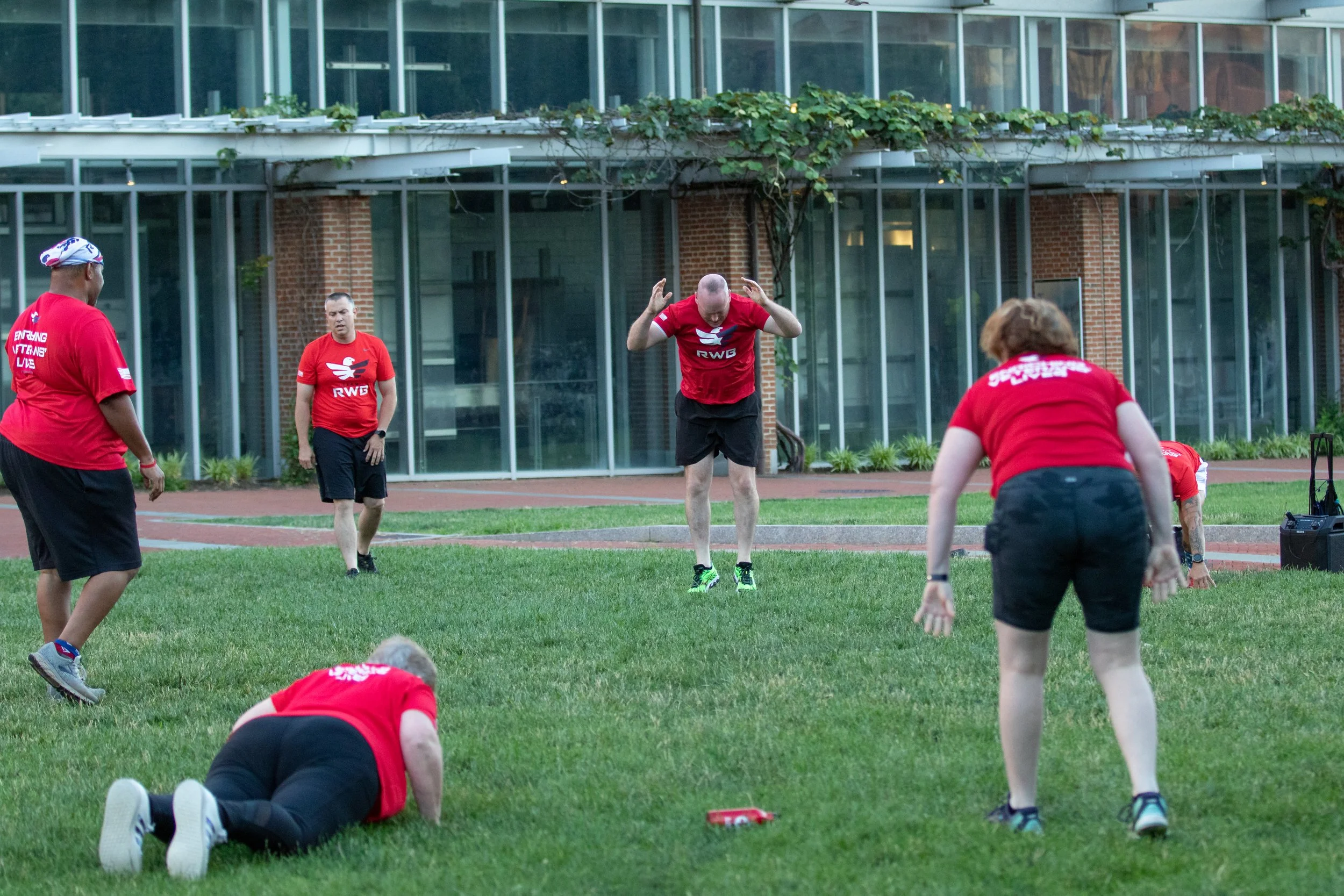
Complete 1 burpee for every $1 you raise OR 250 burpees with your Eagle crew.
Too tough? Spread them out Nov 6-15
TASK
Join Up
Honor those who served by doing something hard. Take it one step further by giving back to Eagle Nation.
Click "Fundraise" to sign up.
Join WOD for Warriors: Burpees for Vets in the Team RWB App.
Complete 1 burpee for every $1 you raise OR 250 burpees with your Eagle crew.
Share your journey in the app and on social using #BurpeesForVets and #TeamRWB.
COA
Course of Action
Find a Team RWB WOD for Warriors event near you using the map below.
No matter where you do your workout, make sure to grab a battle buddy, friend, or family member.
Training
Need a little help upping your fitness game to prepare for this mission?
We got you. Join the Functional Fitness Group in the Team RWB Member App. This year’s WOD for Warriors training is hosted by that group. You’ll find daily training workouts in their Events section.
FAQs
-
Membership is free and open to everyone. Just join Team RWB to get started.
-
Download and open the Team RWB Member App and select Challenges on the bottom navigation menu.
Rally your Crew by Inviting friends, family, and fellow Eagles to take on the mission with you.
-
Show up, complete the mission, and then open the Events tab within the challenge to check in. Join the conversation, share a recap, and post your mission photo.
-
Yes. Chapters are encouraged to host in-person events that bring members together and strengthen community engagement.
Find your local chapter in the app or on the map here.
-
Here’s how to create your own member-hosted event in the app so fellow Eagles can find and attend.
STEP 1: Open the Team RWB Member App and select Events on the bottom navigation menu.
STEP 2: Click the red plus button near the bottom of the screen.
STEP 3: Enter the event information. Be sure to include “WOD for Warriors” in the event title, so Eagles know it’s a Monthly Mission event. Once complete, click Create Event. That’s it, you made an Event!